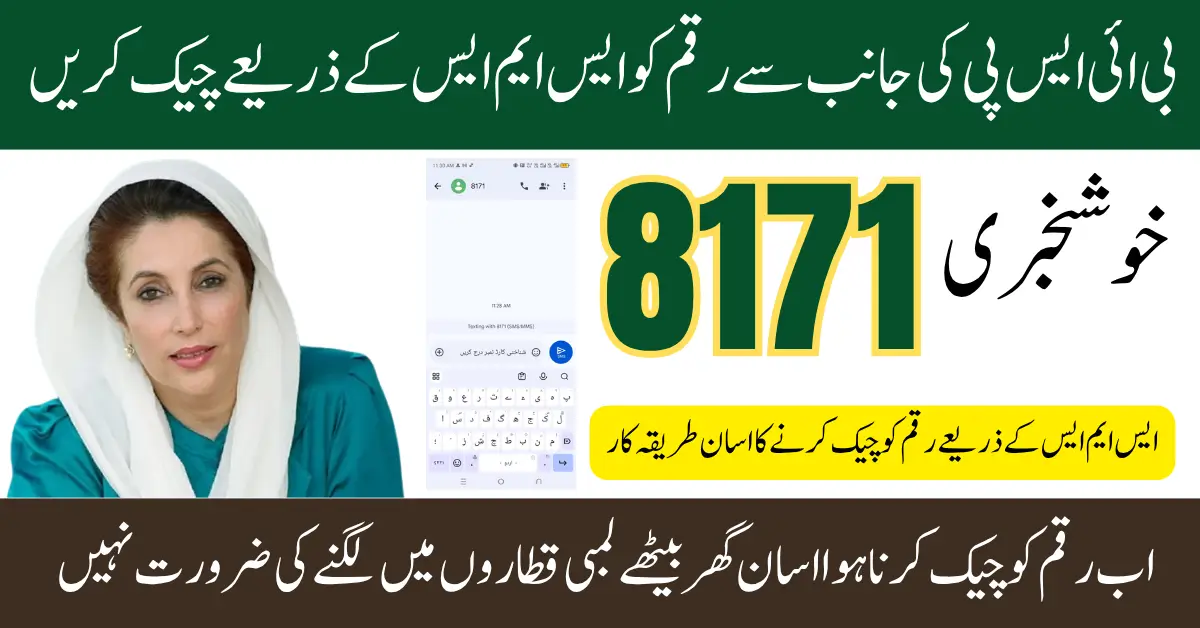
Are you waiting for your BISP payment to arrive? Thousands of families across Pakistan check their 8171 status daily, hoping for good news. The uncertainty can feel overwhelming when you depend on this support. Missing a payment or not knowing when it will come creates real stress. Understanding how to check your status quickly can bring peace of mind.
How to Check BISP 8171 Payment Status.
Checking your BISP payment status takes less than a minute. Simply open your phone’s messaging app and type your 13-digit CNIC number. Send this message to 8171 and wait for an instant reply with your payment details.
The 8171 service works on all Pakistani mobile networks including Jazz, Telenor, Zong, and Ufone. You don’t need internet connection or smartphone to use this service. The response message will tell you if you’re eligible and when your next payment is due.
BISP 8171 Payment Status Check via SMS Method
Send Your CNIC to 8171
The SMS method is the easiest way to check your BISP payment status. Open your phone’s message app and type your complete 13-digit CNIC number without any dashes or spaces. Send this message to the short code 8171 from any mobile network in Pakistan.
Understand Your Status Reply
You will receive an automated response within a few seconds of sending your message. The reply will clearly state whether you are eligible for BISP payments or not. If eligible, the message will also show your payment amount and the expected disbursement date for your next installment.
Checking BISP 8171 Payment Status Without Internet
Checking your BISP payment status doesn’t require an internet connection or smartphone. The 8171 SMS service works on even the most basic mobile phones, making it accessible to everyone across Pakistan.
Use the 8171 SMS Service
Simply type your 13-digit CNIC number in a text message and send it to 8171. This service is free and works on all Pakistani mobile networks including Jazz, Telenor, Zong, and Ufone.
Visit Your Nearest BISP Tehsil Office
You can walk into any BISP office with your original CNIC card. The staff will check your payment status in their system and provide you with complete information about your eligibility and payments.
Call the BISP Helpline
Dial the official BISP helpline number and provide your CNIC to the customer service representative. They will verify your identity and share your current payment status over the phone without requiring internet access.
Check at Authorized Payment Centers
Visit any authorized payment center like post offices or designated bank branches. Show your CNIC to the staff and they can look up your payment status in their offline database.
Ask a BISP Field Officer
BISP field officers regularly visit communities to assist beneficiaries. You can provide your CNIC to them and they will check your status using their official devices.
Use a Basic Feature Phone
You don’t need a smartphone with data connection to check your status. Any old Nokia, Qmobile, or basic phone that can send SMS messages will work perfectly fine.
Get Help from Retail Mobile Shops
Local mobile phone shops often help people send SMS messages to 8171. They can assist you in typing and sending your CNIC to check your payment status on the spot.
Quick Steps to Verify Your BISP 8171 Payment Status
Start by opening your phone’s messaging app and create a new text message. Type your complete 13-digit CNIC number carefully without adding any spaces or dashes between the numbers. Send this message to 8171 and you’ll instantly receive a reply confirming your eligibility status and payment details.
Conclusion
Checking your BISP 8171 payment status is now easier than ever before. The simple SMS method puts important information right at your fingertips within seconds. You don’t need internet, smartphones, or technical knowledge to access your payment details. This service empowers millions of Pakistani families to plan their finances with confidence. Whether you use SMS, visit an office, or call the helpline, multiple options ensure everyone can stay informed. Remember to keep your CNIC number ready and check your status regularly for updates. The BISP program continues to support families across Pakistan, and knowing your payment status helps you make the most of this assistance.
Frequently Asked Questions
Q1: How do I check my BISP payment status using 8171?
Simply send your 13-digit CNIC number via SMS to 8171 from any mobile network. You will receive an instant reply showing your eligibility and payment status.
Q2: Is there any charge for checking BISP status through 8171?
No, the 8171 SMS service is completely free of charge. You can check your status as many times as you want without any cost
Q3: How long does it take to receive a reply from 8171?
You will receive an automated response within a few seconds of sending your CNIC to 8171.
Q4: What should I do if my 8171 status shows I’m not eligible?
Visit your nearest BISP tehsil office with your CNIC and relevant documents. The staff will help you understand the reason and guide you through the re-registration process if needed.
Q5: Can I check someone else’s BISP payment status using 8171?
Yes, you can check any family member’s status by sending their CNIC number to 8171. Make sure you have their permission and correct CNIC details before checking.